
Day: November 5, 2026

  • Can MyInvois e-POS Generate Sales Reports?

    Can MyInvois e-POS Generate Sales Reports?

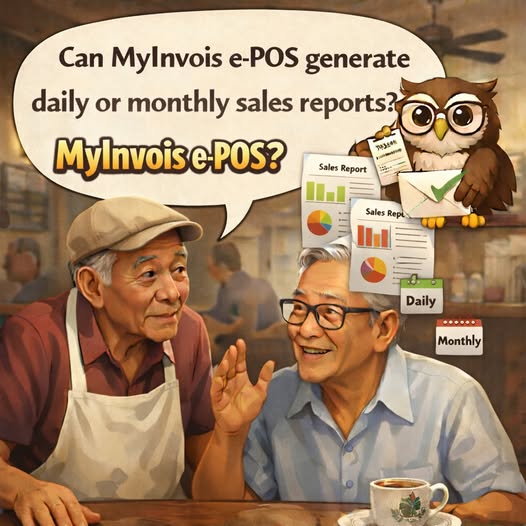
    Q: Can MyInvois e-POS generate daily or monthly sales reports?

    A: Yes. MyInvois e-POS allows businesses to generate and download sales reports for a selected period, such as daily, weekly, monthly or yearly, according to their business needs.

    The reports can support sales performance analysis, stock management and the recording of business financial information.

    MyInvois e-POS 能生成销售报告吗?

    问:MyInvois e-POS 能否生成每日或每月销售报告?

    答: 可以。企业可根据业务需求,在 MyInvois e-POS 中选择特定期间生成并下载销售报告,例如每日、每周、每月或每年。

    这些报告可用于分析销售表现、管理库存,以及记录企业财务资料。
  • Can MyInvois e-POS Issue Receipts?

    Can MyInvois e-POS Issue Receipts?

    Q: Does MyInvois e-POS have a receipt issuance function?

    A: Yes. MyInvois e-POS can issue receipts or e-Invoices to record sales of goods or services. They can be printed and handed to customers or sent by email.

    MyInvois e-POS 能开具收据吗?

    问:MyInvois e-POS 是否具备收据开具功能?

    答: 可以。MyInvois e-POS 可开具收据或电子发票,以记录商品或服务的销售交易。相关文件可打印后交给客户,也可通过电邮发送。

  • Using MyInvois Portal and MyInvois e-POS Together

    Using MyInvois Portal and MyInvois e-POS Together

    Q: Can a business use both MyInvois Portal and MyInvois e-POS to issue e-Invoices?

    A: Yes. Businesses may choose the available submission method that suits the nature of each transaction, whether through MyInvois Portal or MyInvois e-POS.

    Businesses are responsible for ensuring that the same e-Invoice is not submitted to HASiL more than once for validation.

    可同时使用 MyInvois Portal 和 MyInvois e-POS 吗?

    问:企业能否同时使用 MyInvois Portal 和 MyInvois e-POS 开具电子发票?

    答: 可以。企业可根据交易性质,选择通过 MyInvois Portal 或 MyInvois e-POS 等可用方式提交电子发票。

    企业有责任确保同一张电子发票不会重复提交给 HASiL 验证。

  • Tips for Using MyInvois e-POS Effectively

    Q: What can businesses do to help MyInvois e-POS perform optimally?

    A: Businesses are advised to clear their browser cache periodically for smoother system performance. Instructions are provided in Appendix 1 of the relevant FAQ.

    They should also use the latest browser version that meets the system specifications for the best display and user experience.

    如何让 MyInvois e-POS 运行更顺畅?

    问:企业可采取哪些措施,确保 MyInvois e-POS 发挥最佳效能?

    答: 建议企业定期清除浏览器缓存,以维持系统效能并获得更流畅的使用体验。相关操作说明请参阅该常见问题解答的附录1。

    此外,企业应使用符合系统规格要求的最新版本浏览器,以获得更理想的显示效果和使用体验。

  • Does MyInvois e-POS Integrate with Payment Gateways?

    Does MyInvois e-POS Integrate with Payment Gateways?

    Q: Does MyInvois e-POS integrate with payment gateways, such as credit or debit cards and online banking?

    A: No. MyInvois e-POS is designed to record sales transactions and does not integrate with payment gateways. However, businesses can record the payment receipt details for each transaction based on the payment method used.

    MyInvois e-POS 是否整合支付网关?

    问:MyInvois e-POS 是否支持整合信用卡、借记卡或网上银行等支付网关?

    答: 不支持。MyInvois e-POS 的设计用途是记录销售交易,本身不与支付网关整合。不过,企业可根据每笔交易所使用的付款方式,记录相应的收款资料。

  • Can MyInvois e-POS Scan a Customer’s Taxpayer QR Code?

    Can MyInvois e-POS Scan a Customer’s Taxpayer QR Code?

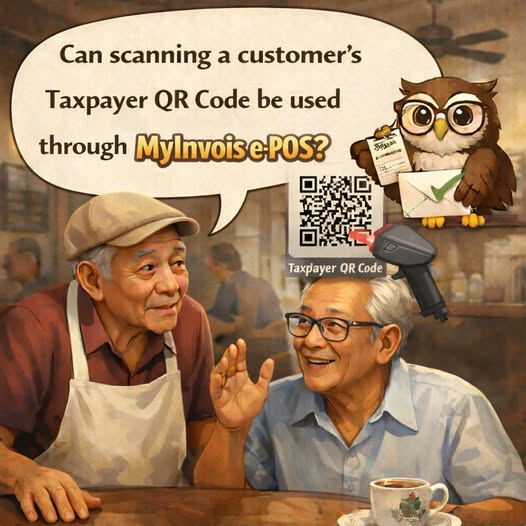
    Q: Can a customer’s Taxpayer QR Code be scanned through MyInvois e-POS?

    A: Yes. MyInvois e-POS supports Taxpayer QR Codes generated through the MyInvois Portal. Scanning the code allows customer information, including the Tax Identification Number (TIN), to be shared with the seller more quickly and conveniently.

    The details can be captured using a scanner, reducing the risk of manual input errors and streamlining information entry when generating an e-Invoice.

    MyInvois e-POS 能扫描客户的纳税人二维码吗?

    问:能否通过 MyInvois e-POS 扫描客户的纳税人二维码?

    答: 可以。MyInvois e-POS 支持扫描通过 MyInvois Portal 生成的纳税人二维码,方便客户快速向卖方提供资料,包括税务识别号码(TIN)。

    使用扫描设备读取资料,可减少人工输入错误,并提高开具电子发票时录入信息的效率。

  • Are There Limits on Daily Transactions in MyInvois e-POS?

    Are There Limits on Daily Transactions in MyInvois e-POS?

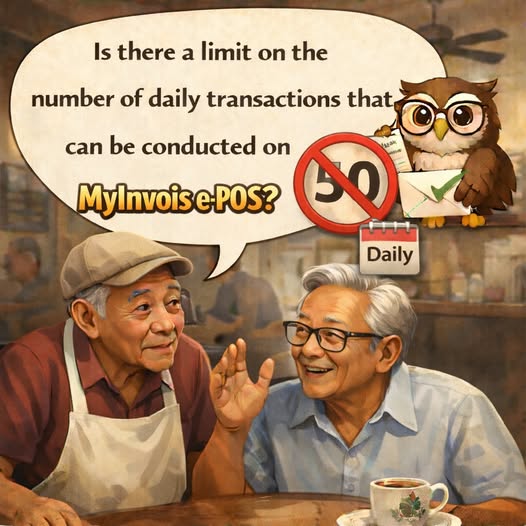
    Q: Is there a limit to the number of daily transactions that can be processed through MyInvois e-POS?

    A: Businesses may use MyInvois e-POS to process sales transactions as needed, without a daily transaction limit. The system operates 24 hours a day to support flexible business operations.

    MyInvois e-POS 每日交易数量有限制吗?

    问:使用 MyInvois e-POS 每天可处理的交易数量有限制吗?

    答: 商家可根据业务需求使用 MyInvois e-POS 处理销售交易,每日交易数量不设上限。系统全天候运行,方便企业灵活营运。

  • Do Businesses Need to Register to Use MyInvois e-POS?

    Do Businesses Need to Register to Use MyInvois e-POS?

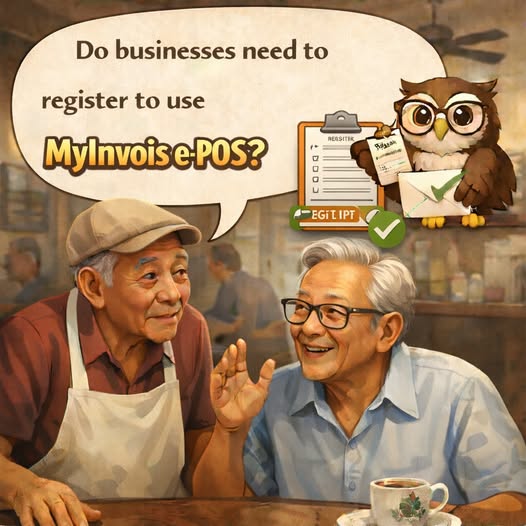
    Q: Do businesses need to register to use MyInvois e-POS?

    A: Yes. Only businesses that meet the specified eligibility criteria may access MyInvois e-POS. Eligible businesses may apply to HASiL to register for the service.

    企业是否需要注册才能使用 MyInvois e-POS?

    问:企业是否需要注册才能使用 MyInvois e-POS?

    答: 需要。只有符合指定资格条件的企业才能使用 MyInvois e-POS。符合条件的企业可向 HASiL 提交申请,注册使用该服务。

  • How to Register for MyInvois e-POS

    How to Register for MyInvois e-POS

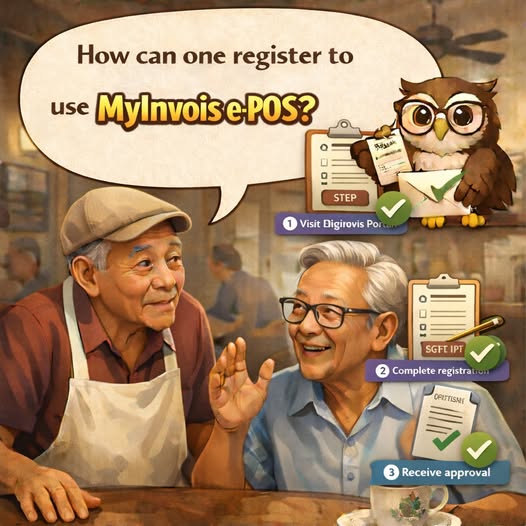
    Q: How can a business register to use MyInvois e-POS?

    A: Businesses may apply at the service counter of their nearest main HASiL Office. Applications are not available at HASiL Satellite Offices or Urban Transformation Centres (UTCs).

    Before granting access, HASiL will provide advisory and usage assistance, including an explanation of the functions available in MyInvois e-POS.

    如何注册使用 MyInvois e-POS?

    问:企业如何注册使用 MyInvois e-POS?

    答: 企业可前往最近的 HASiL 主办事处服务柜台提出申请。HASiL 卫星办事处及城市转型中心(UTC)不受理此类申请。

    在授予访问权限前,HASiL 将提供咨询与使用指导,包括说明 MyInvois e-POS 的各项功能。

  • Information Required to Register for MyInvois e-POS

    Information Required to Register for MyInvois e-POS

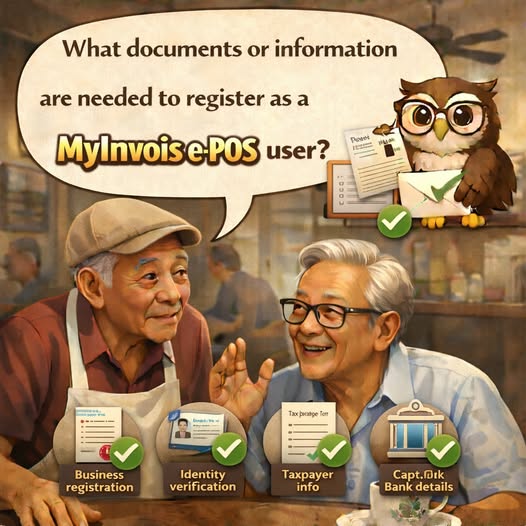
    Q: What documents or information are required to register as a MyInvois e-POS user?

    A: Businesses must submit the following basic information for review and registration:

    • Business owner’s or company’s name

    • Identity card number

    • Tax Identification Number (TIN)

    • Email address

    • A copy of the business registration certificate, if available

    注册 MyInvois e-POS 用户需要哪些资料?

    问:注册成为 MyInvois e-POS 用户需要提交哪些文件或资料?

    答: 企业须提交以下基本资料,以供审核及办理注册:

    • 企业主或公司名称

    • 身份证号码

    • 税务识别号码(TIN)

    • 电子邮箱地址

    • 营业登记证副本(如有)